About Gallery Views
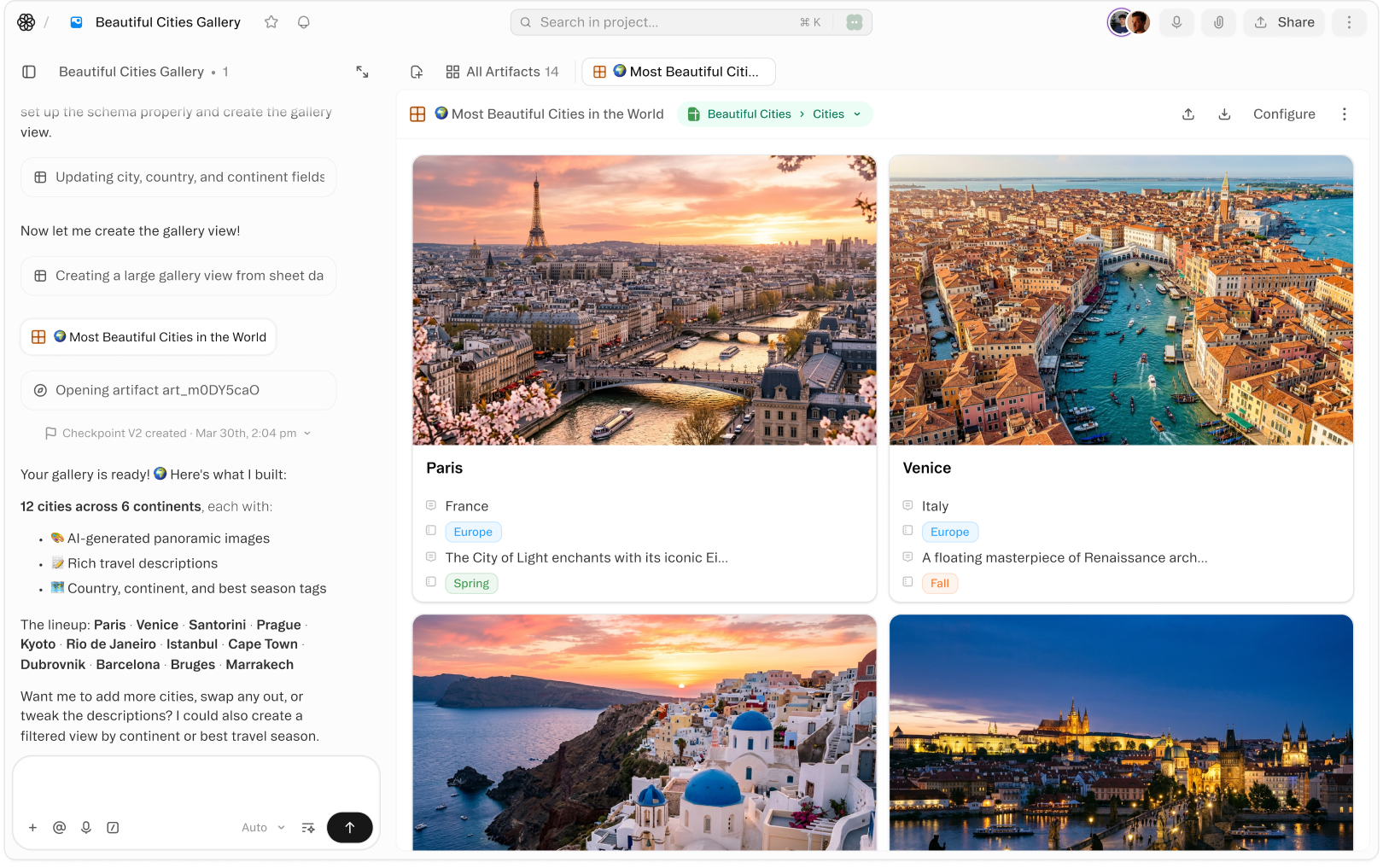
Turn any sheet into a visual card grid — ideal for product catalogs, content libraries, image datasets, and portfolio management. Cover images pull automatically from your records, making it easy to browse at a glance.
Filter, sort, and group your gallery just like any other view. Narrow down to a specific category, sort by date or rating, and group by status — the layout adapts instantly without touching your underlying data.
Every card in a gallery view is fully interactive. Click to open a full record, inline-edit fields directly on the card, or drag to reorder. Gallery views are a live window into your data, not a static export.
Videos
Templates
Start with a template that uses this feature



Shortcuts
One-click prompts to try this feature
Product Catalog Gallery
Create a visual gallery view for your product catalog
Content Library Grid
Show your content library as a card grid grouped by status
Image Column Gallery
Build a gallery view with cover images from the Image column
FAQ
Get help with Gallery Views
Find guides, tutorials, and support articles in our help center.
Visit help center →